 AI Snappen Nederlands
Learn AI, right on your phone
Learn to work with AI. Five minutes a day, with the AI you already have: ChatGPT, Claude or Gemini.
Coming soon to the App Store and Google Play.
Download AI Snappen, create an account and enter this code on the payment screen before you subscribe. Your friend then gets a free month.
AI Snappen Nederlands
Learn to work with AI. Five minutes a day, with the AI you already have: ChatGPT, Claude or Gemini.
Coming soon to the App Store and Google Play.

Richard wrote a guide to AI for his wife Kitty. From A to Z. It ran to 42 pages.
Only: you don't read 42 pages in between other things. So he turned it into an app. Five minutes a day, on your phone, and you learn by doing.

You open the app and see today's lesson. A short explanation, a question, and an exercise you paste into your own AI. You see straight away what it gives you. Another bit tomorrow.
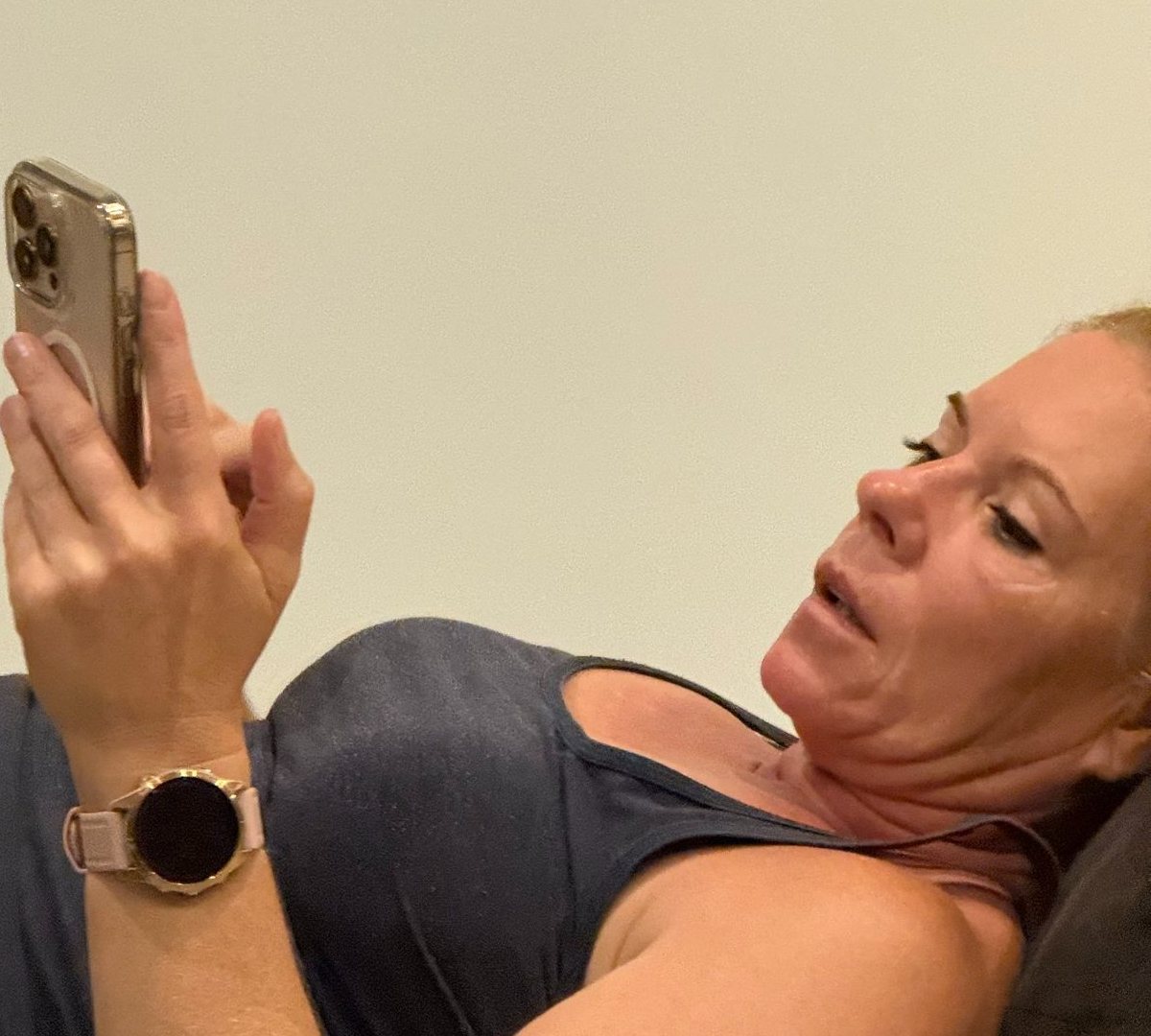
A faked voice of your son, a photo of something that never happened, an email from your bank in perfect English. Can you tell? Ten real-life examples, free.
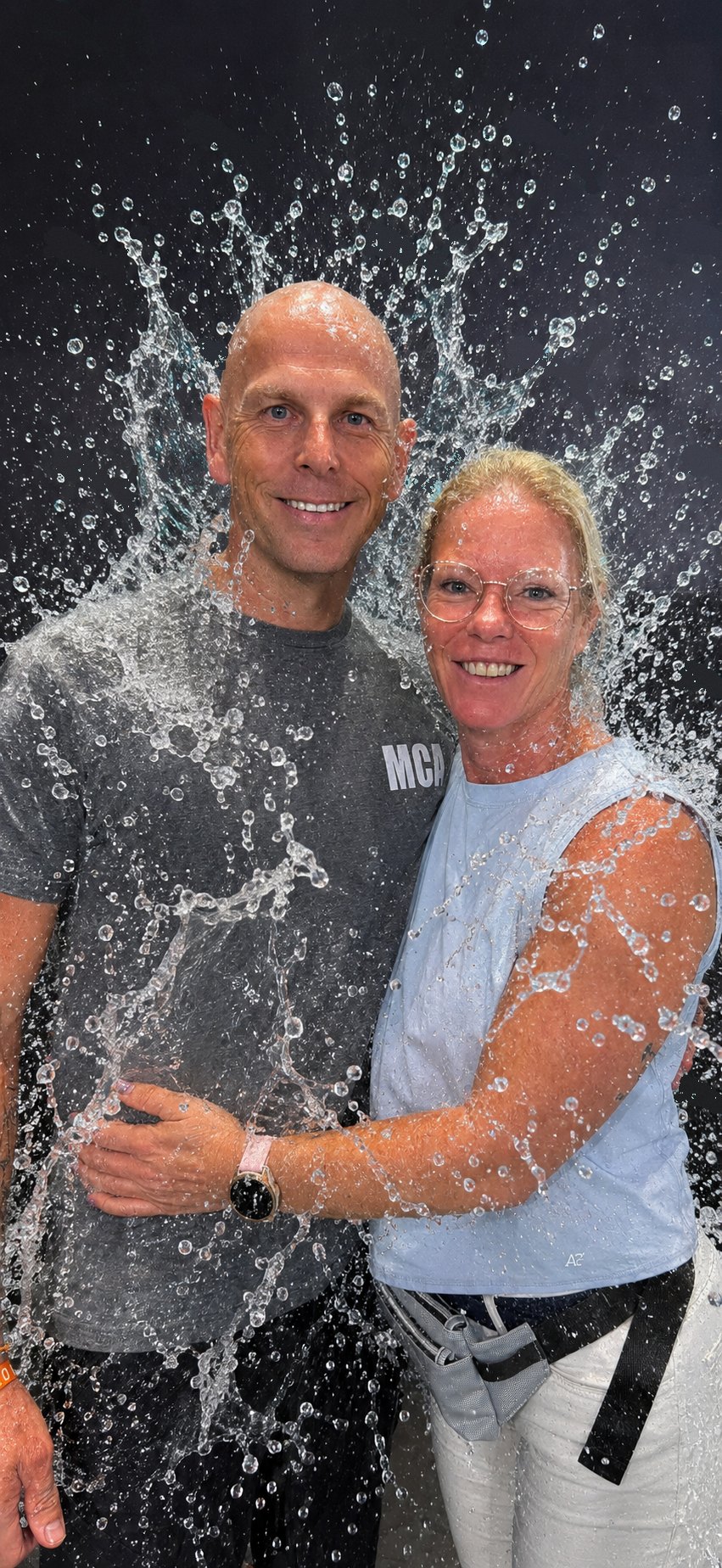
Is this photo real?
Only we are real. The water was added with AI. Did you notice?
For anyone who wants to learn to use AI, even if you have never typed a prompt. There are five learning paths: Kids, Junior, Adults, Seniors and Expert. At the start you choose your job, and the app shows what AI can do for you.






From "what is AI anyway?" to setting up your own assistant.
For home and work, with steps for your phone or computer.
With privacy rules for anyone handling sensitive data.
Ready to copy, also to make your AI write like a person, to create images, try photo trends and discover how things are built.
A plan for starting or running a business, for Belgium and the Netherlands.
How to get the most out of AI, even in long conversations.
| Yearly | €39.99 | Everything in the app. The first 3 days are free. |
|---|---|---|
| Monthly | €4.99 | Everything in the app. Cancel any month. |
The yearly plan comes with 3 free days; after that it continues automatically at €39.99 a year. The subscription renews automatically, unless you cancel at least 24 hours before it ends in your App Store or Google Play settings. Rather not renew automatically? Cancel right after your purchase. You keep Premium until the end of the period.
For your team, club or school? See what we do for organisations
No. The first lesson starts from zero. There is even a short "Basics" part that explains how to copy and paste on your phone.
The free version of ChatGPT, Claude or Gemini is enough. You choose which one you use, and you can switch later.
Yes, on both. On an iPad or Android tablet too.
Yes. You cancel your subscription in your App Store or Google Play settings.
Your progress stays on your own device. We do not sell anything and children never see ads. It is all in our privacy policy.
Yes. When you start, you pick Dutch or English, and you can change it later.
Join the list. At launch you hear first.